
New in Market Pulse Commodities: Set Your Own Price Alert Levels
Now you decide when a market move is worth your attention


We’re excited to announce a new update for Market Pulse Commodities that puts you in full control of your price alerts.
Previously, price movement alerts were fixed at a 3 percent change. That worked for some, but we know many of you wanted more flexibility.
With this latest update, you can now choose the percentage that matters to you. Whether you prefer to catch early moves or wait for bigger shifts, the choice is entirely yours.
What’s New
Custom Trigger %
Set your preferred alert level for each commodity, including WTI, Brent, Gold, Silver, Platinum, and Natural Gas.
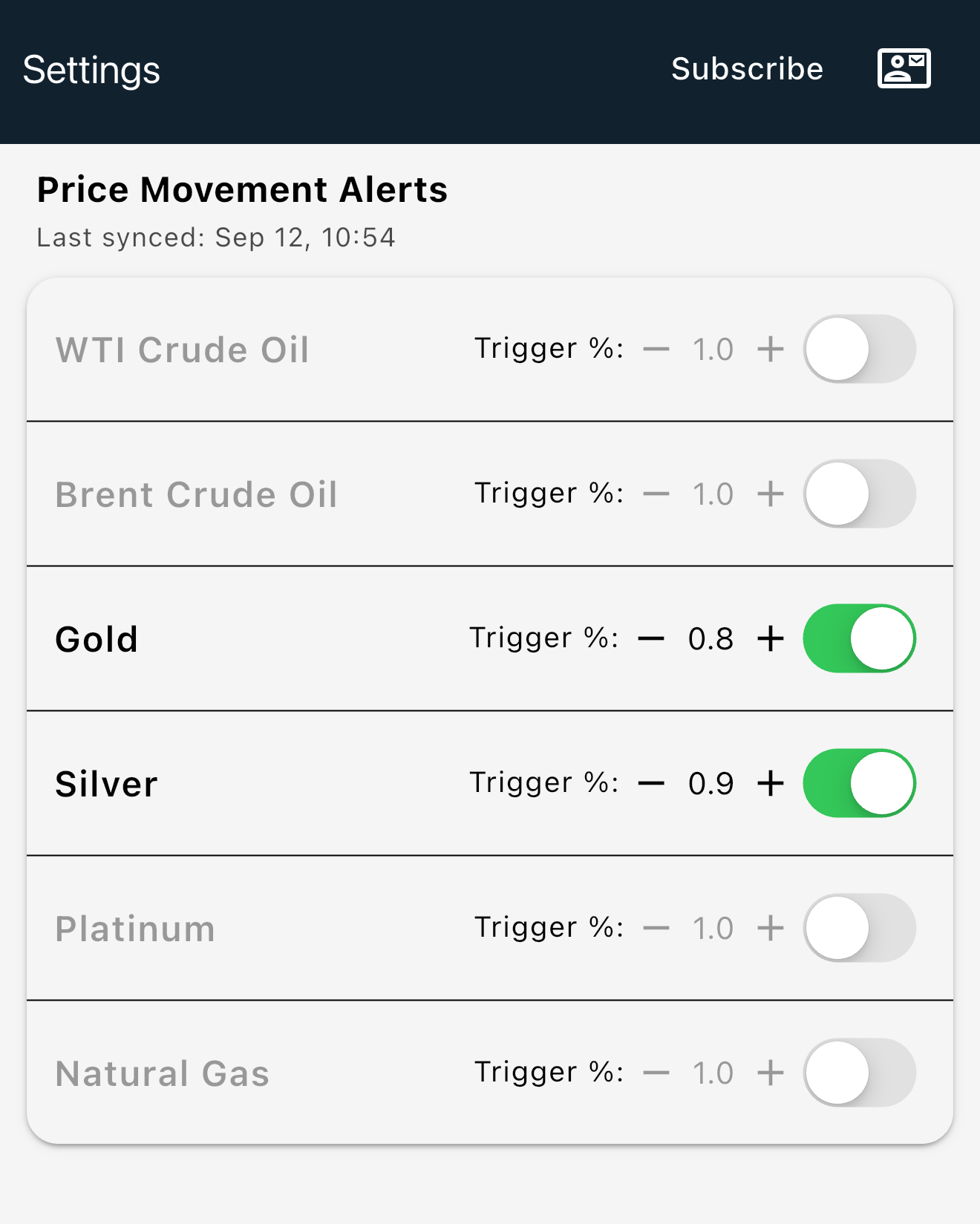
Whether it’s 0.5 percent or 2 percent, your alerts now reflect your own strategy.
Want to track fast moves in Silver? Set your trigger at 0.5 percent.
Waiting for bigger swings in Crude Oil? Choose 2 percent or more.
You can mix and match based on your own style and the volatility of each market.
What Percentage Should You Set?
There is no perfect number, but here are some suggestions to help you decide:
0.5% to 1% – For short-term traders or those who want to catch early shifts
1% to 2% – A balanced option for staying informed without too many alerts
Above 2% – For those who only want to be notified on major moves
Every market behaves differently. Gold and Silver tend to move within tighter ranges, while Oil and Gas can show larger swings during active sessions. Adjust each trigger based on what you find useful.
Smarter Alerts
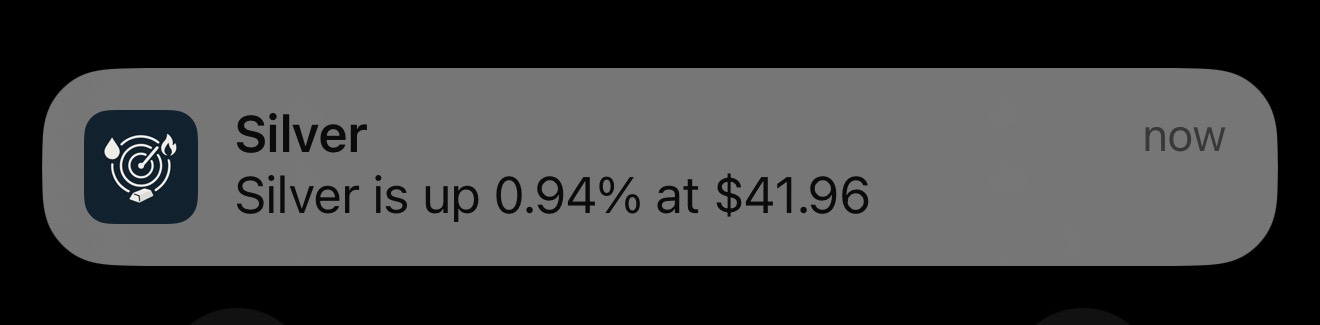
You will only be notified when a commodity crosses the threshold you’ve set. This keeps the noise out and brings focus to the movements that matter.
Behind-the-Scenes Improvements
We’ve made stability improvements and reliability fixes to make sure everything runs smoothly when it matters most.
This update brings more flexibility and control to the way you track commodities. It is one of many features we plan to introduce in the coming weeks.
📲 Download or update the app here:
Thank you for your support. Your feedback helps us build tools that stay focused, helpful, and easy to use.
EasyIndicators Team
Easy Dashboard (Android)
Easy Dashboard (iOS)
For support, contact us at support@easyindicators.com.